

ChatGPT Business Hub Is Live: How Businesses Appear in ChatGPT
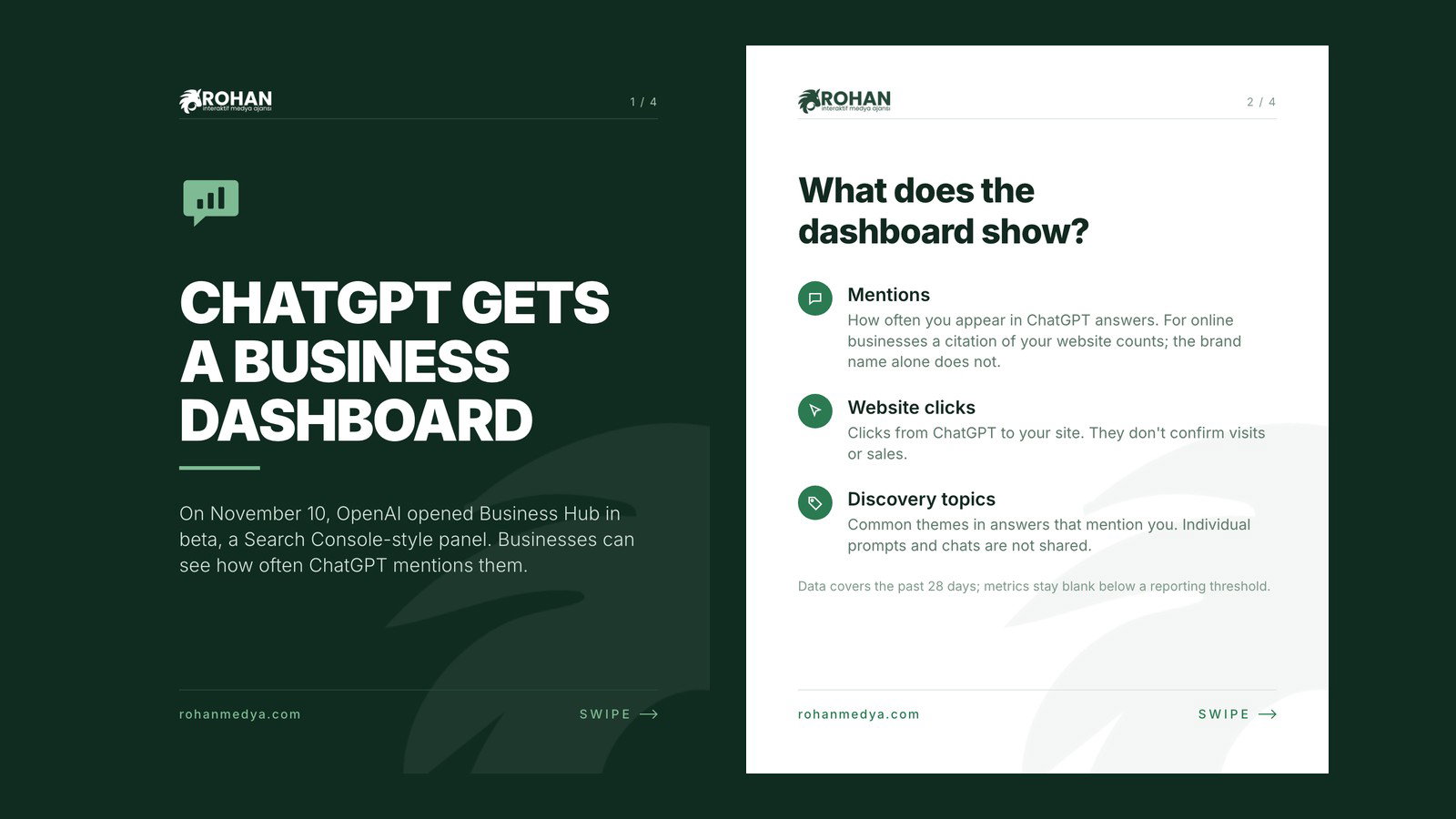
On November 10, 2026, OpenAI opened a new product called Businesses in ChatGPT in beta. At its center is a dashboard named Business Hub. Through it, businesses can claim their listing in ChatGPT, keep their information up to date and see how often they are mentioned in ChatGPT answers. This is the product people on social media have been calling "ChatGPT's Search Console". According to OpenAI, 1.2 billion people use ChatGPT every week, so visibility inside ChatGPT is now a channel businesses need to keep an eye on.
In this article we explain what Business Hub is, which data the dashboard shows, how a business is claimed in ChatGPT and where things stand today for businesses in Türkiye. Everything here is based on OpenAI's own announcement and help center article, and we also point out where some of the claims going around on social media fall short.
What Is ChatGPT Business Hub?
Business Hub is an area inside ChatGPT set aside for businesses. You open it from the sidebar after signing in to ChatGPT. There you search for your business by name, select the listing that belongs to you and verify that you are the owner or an authorized representative. Once approved, you can edit details such as your website, business description, category, logo, delivery policy and return policy, and add a cover photo. Businesses that sell products can also connect a product feed with prices and availability; Shopify merchants can do this directly through Shopify.
OpenAI describes the launch as "an early step". The announcement says the product will expand to more markets and business categories over time. In other words, the dashboard we see today is the first version of the relationship ChatGPT plans to build with businesses.
The official product name is "Businesses in ChatGPT". Business Hub is its management dashboard, and Business Agents are a separate, optional feature. The "Search Console" comparison comes from the press and the SEO community, not from OpenAI. It is a fair comparison in terms of purpose, but as we explain below, the two tools do not measure the same things.
What Does the Business Hub Dashboard Show?
After verification is complete, an "Insights" section becomes available. According to OpenAI's help article, the data covers the past 28 days and is built around three metrics:
- Mentions: how often your business appears in ChatGPT answers. There is an important detail here. For an online business, a mention counts when ChatGPT references the business's website; the brand name appearing on its own does not count. For a local business, a mention counts when ChatGPT shows a result for that location, even if the customer never opens the listing or visits the website.
- Website clicks: how many people click through from ChatGPT to your website. OpenAI notes that a click does not confirm a website visit or a conversion.
- Discovery topics: common themes in ChatGPT answers that mentioned or cited your business. These themes do not reveal individual prompts and do not directly measure customer intent.
On privacy, OpenAI is clear: businesses do not receive users' conversations or the chats people have with Business Agents. Insights are aggregated and only shown when there are enough conversations or interactions to meet certain thresholds. That means a blank metric does not necessarily mean zero activity. The activity may be below the reporting threshold, the data may still be collecting, or reporting may not be available yet.
How Is It Different from Google Search Console?
Anyone who uses Search Console will find Business Hub familiar. Both show how visible you are on a platform and how much traffic reaches your site from it. The differences, however, matter:
- Search Console shows the queries you appear for. Business Hub does not show individual questions, only common themes.
- Search Console reports average position and click-through rate. Business Hub has no ranking data and no share-of-voice comparison with competitors.
- Business Hub measures ChatGPT only. Visibility in Gemini, Perplexity or Google's AI summaries is not part of this dashboard.
In short, Business Hub gives you a broad picture of your presence in ChatGPT. Details such as which content performs or which questions bring you traffic still need to come from your own analytics and your regular SEO work.
How to Claim Your Business in ChatGPT
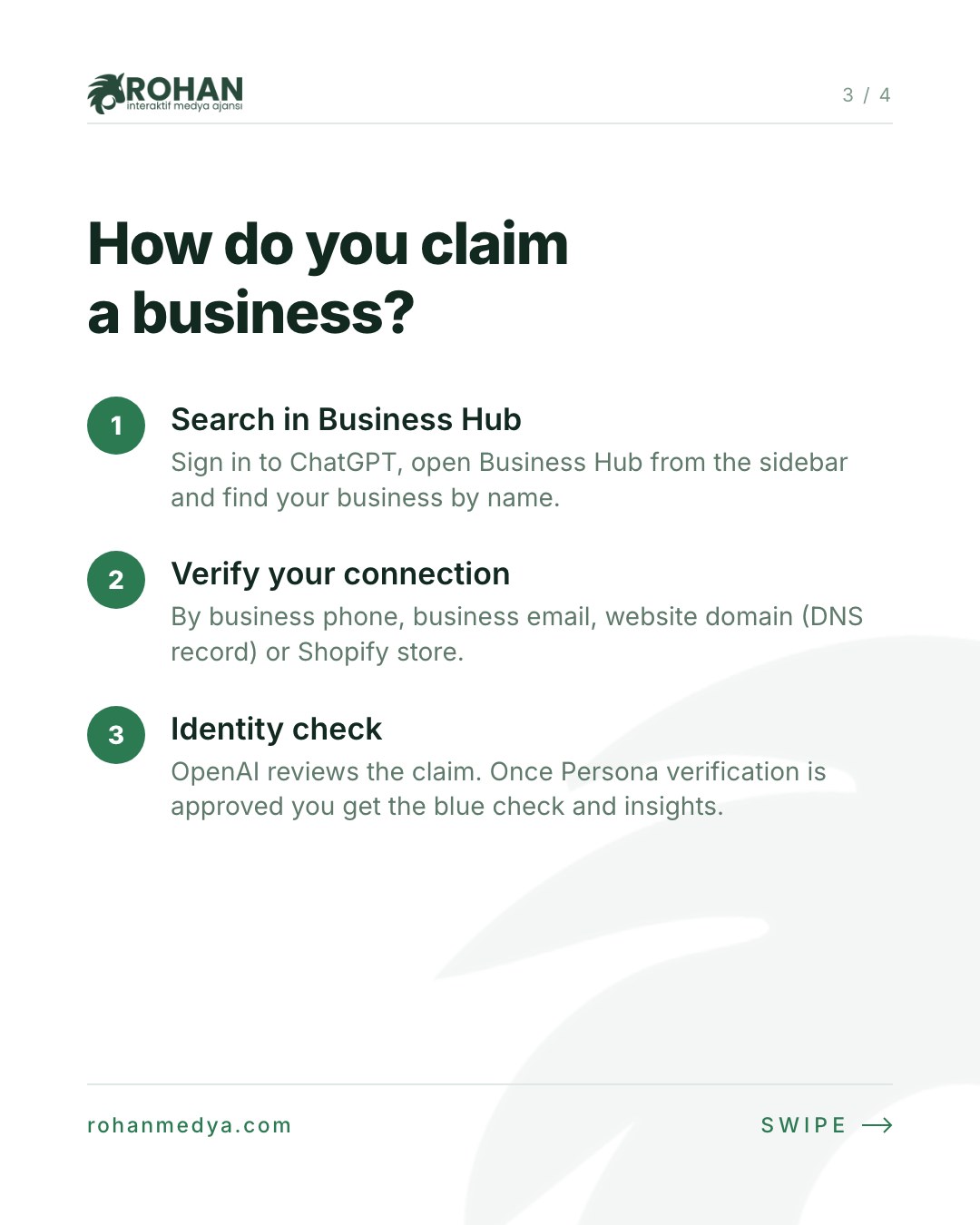
The flow described in OpenAI's help center works like this:
- Open Business Hub: sign in to ChatGPT, choose Business Hub from the sidebar and search for your business by name. Select the listing that matches your business and confirm the ChatGPT account you will use to manage it.
- Verify your connection: pick one of the methods offered. Options include an SMS or automated call to the business phone, a code sent to the business email, adding a TXT record to your domain's DNS settings, or connecting your Shopify store.
- Wait for approval: OpenAI reviews the claim and emails you its decision or a request for more information. Review times vary.
- Complete identity verification with Persona: to publish changes, view insights or create a Business Agent, you need to pass an identity check through Persona. You may be asked for a government-issued ID, business registration details and proof that you can represent the business. The blue check (verified badge) appears only after this step is approved; claiming the business alone does not give you the badge.
A few more details are worth knowing. If someone else has already claimed your business, you can start an ownership dispute from the profile menu. The admin who claimed the business can add teammates and grant an agency access to manage the business or its agent; everyone signs in with their own ChatGPT account. A published profile cannot be deleted, unpublished or hidden by OpenAI Support, and only drafts can be deleted. So if you create a new profile through Persona, have your information ready before you continue.
Business Agents and ChatGPT Ads
The second part of Businesses in ChatGPT is the Business Agent: an assistant that answers customer questions using information the business provides. When a business appears in a ChatGPT answer, the user can open its profile. If a Business Agent is available, they can start a separate conversation with the business to compare products or ask about things like the return policy. That conversation is clearly labeled and kept apart from ChatGPT's own answer.
Businesses can also sponsor their Business Agent and use it as the destination for ChatGPT Ads. Sponsored placements are labeled as well. OpenAI's help center stresses that advertising does not influence ChatGPT's independent answers, and that claiming a business, publishing an agent and advertising are separate things. You do not need an ads account or an enterprise agreement to claim your business.
What Does This Mean for Businesses in Türkiye?
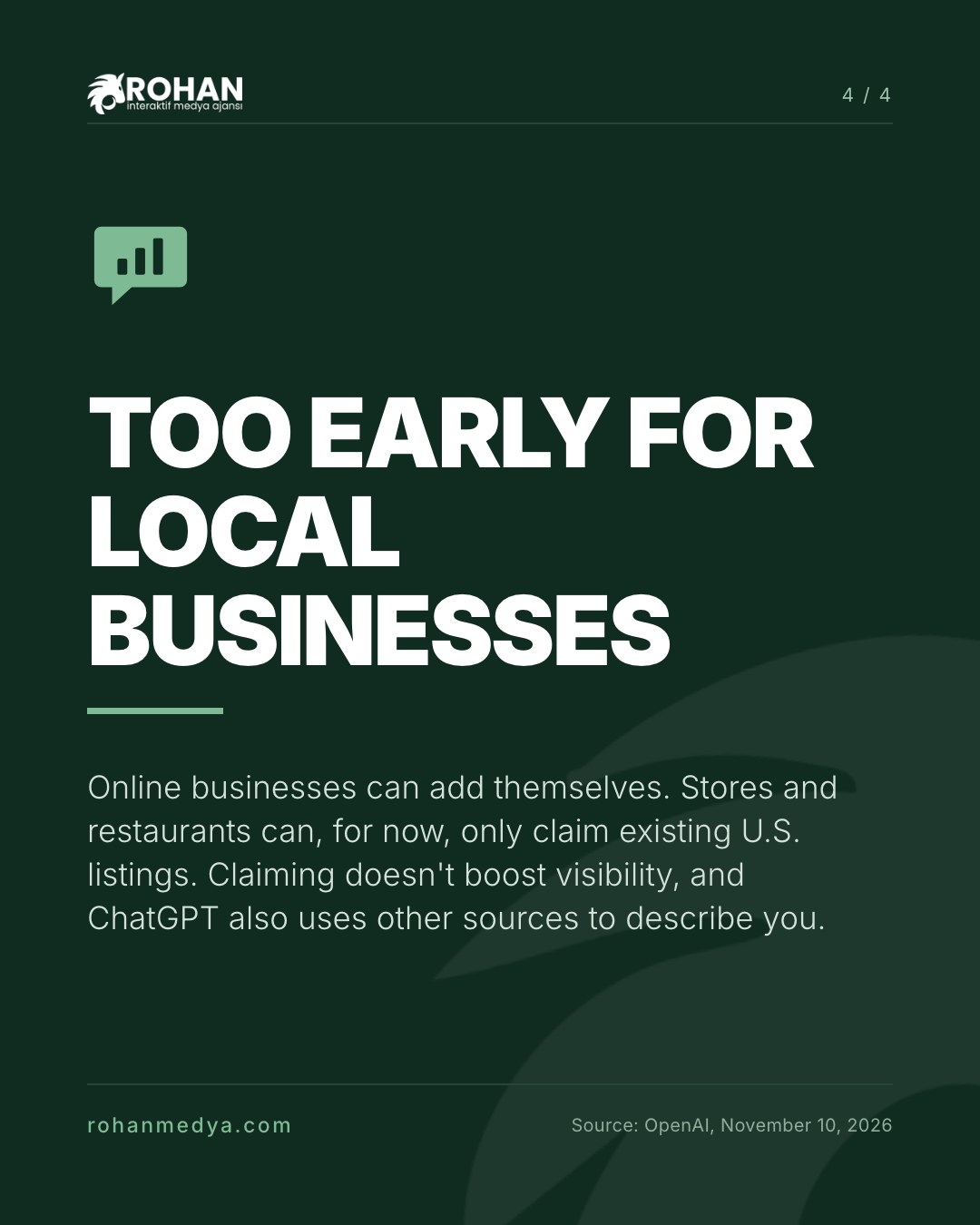
This is the most important part for businesses in Türkiye. According to OpenAI's announcement, eligible businesses located where ChatGPT is available can claim their business through Business Hub. The help article, however, lists two important limits:
- Local businesses: stores and restaurants can currently claim only an existing U.S. listing. A restaurant, café or shop in Istanbul cannot claim its own listing in Business Hub today.
- Business Agents: available only to eligible U.S. ecommerce and online service businesses that have a website.
Online businesses are in a different position. An eligible online business that cannot find its listing may see an option to add it. On launch day, some users outside the U.S. reported that their claims were placed on a waitlist. OpenAI's official texts do not mention a waitlist, so this should be read as user experience rather than policy.
For hotels, restaurants and service businesses this means "wait for now". Waiting, though, does not mean doing nothing.
What You Can Do Before Business Hub Opens to You
There is one sentence in OpenAI's help article that deserves attention: when answering questions about a business, ChatGPT may also use other sources. OpenAI also says that claiming a business does not guarantee more visibility or give direct control over ChatGPT's independent recommendations. So when ChatGPT describes you, it looks at what the web says about you. That defines the work you can start today:
- Keep your website accurate and clear. Address, opening hours, services, price range and contact details should be the same on every page. For online businesses, mentions are counted through citations of your website, which makes the site itself directly important.
- Maintain your Google Business Profile. AI assistants draw on map and profile data when describing local businesses. Our article on local SEO and Google Business Profile management is a good place to start.
- Create content that suits AI search. Plain, informative pages that answer common questions directly help assistants like ChatGPT describe you correctly. We covered this approach in next-generation SEO with ChatGPT and AI-assisted optimization.
- Check your technical foundations. Crawlable pages, fast load times and structured data are basic requirements for search engines and AI tools alike. You can find these topics on our technical SEO optimization page.
- Watch the other AI channels too. Google Maps' assistant is moving in a similar direction. Ask Maps expanding to more than 150 countries raises the same question for local businesses: how does AI describe you?
- If you sell online, prepare your product feed. Business Hub accepts a CSV product feed or a Shopify connection. If product names, prices and stock levels are kept in a clean feed, you can move quickly once access opens.
When Business Hub opens to local businesses in Türkiye, your first task will be entering this information into the dashboard. If the information is already consistent across the web, that step will be short.
Frequently Asked Questions
Is Business Hub paid?
OpenAI's texts do not mention a fee for claiming a business. You also do not need an ads account or an enterprise agreement. Advertising and sponsoring a Business Agent are separate.
If I claim my business, will ChatGPT recommend it more often?
No. OpenAI states plainly that claiming does not guarantee increased visibility or give direct control over ChatGPT's independent recommendations. Ads do not affect ChatGPT's own answers either.
Can I see what users ask ChatGPT?
No. The dashboard does not show individual prompts or conversations. Only aggregated data and common themes (discovery topics) are shared.
Can my restaurant or hotel in Türkiye apply now?
According to the help article, local stores and restaurants can currently claim only existing U.S. listings. Online businesses may see an option to add themselves. Changes to this can be followed through OpenAI's announcements.
Can my agency manage Business Hub for me?
Yes. The admin who claimed the business can add teammates in Business Hub and grant an agency access to manage the business or its agent.
Conclusion: Your Place in ChatGPT Can Now Be Measured
Business Hub lets businesses see, for the first time and in numbers, how they are represented in ChatGPT. The door is not open yet for local businesses in Türkiye, but ChatGPT is already describing you, and it relies on what the web says when it does. The way to be ready when the dashboard opens is to keep your website, business profiles and content in order starting today. If you need help with that, you can get in touch with us.
Sources: OpenAI, Introducing Businesses in ChatGPT (November 10, 2026) and OpenAI Help Center, Setting up your business on ChatGPT.